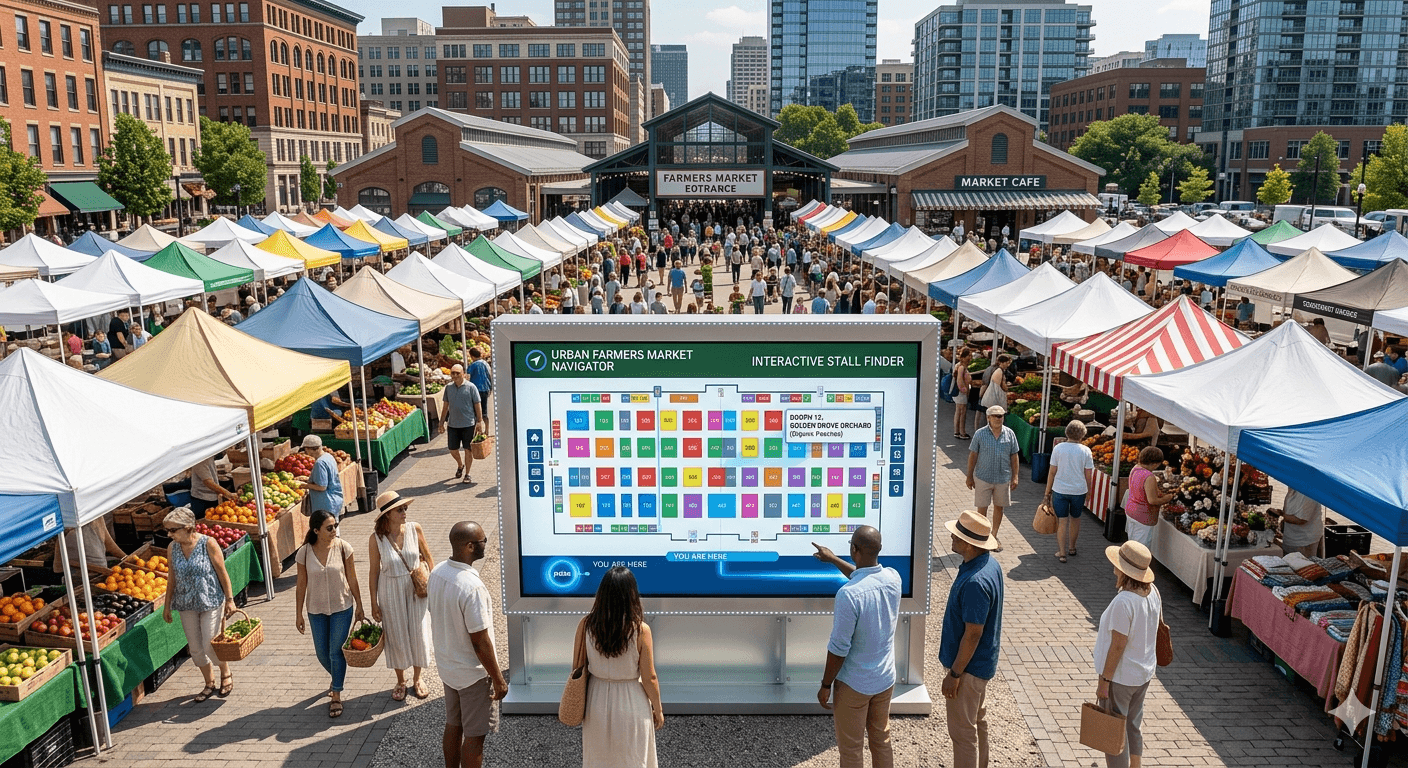
Your vendors are confirmed. Your applications are in. Now someone asks: "Where is my booth?" If you do not have a clear booth map, that question turns into a headache — every single time.
Why Booth Maps Matter
A good booth map is one of the most practical tools you can give your vendors and attendees.
- Vendors know exactly where to set up before they even arrive
- Load-in is faster and less chaotic
- Disputes about spot assignments drop to near zero
- Attendees can plan their visit and find specific vendors faster
If you are learning how to host a vendor market, getting your booth map right early saves you hours of back-and-forth on event day.
Tools You Can Use to Build an Interactive Booth Map
Google My Maps
Google My Maps is free and easy to share. Drop custom pins, label each booth, and send a link to anyone. Works great for outdoor markets where GPS context helps attendees navigate. Limitation: it is not built for events — layouts are hard to customize for tight, grid-based booth arrangements.
Canva or Design Tools
Canva lets you build a polished visual map with drag-and-drop. Create a scaled floor plan, label each booth by number or vendor name, and export as PDF or image. Downside: it is a static map. Every change means reopening the file, editing it, and re-exporting.
Miro or FigJam
Both are collaborative whiteboard tools that let multiple team members edit the same map in real time. Great for markets with a team. You can use shapes, labels, and sticky notes to represent booths and make live changes.
Specialized Event Management Software
This is the best option for markets that run regularly. Purpose-built market management software — like farmers market software — handles booth assignments, vendor communication, and maps all in one place. You can assign booths from your dashboard, let vendors see their spot before the event, and update layouts without starting from scratch.
Step-by-Step: How to Create a Booth Map
Step 1 — Measure and Sketch Your Space
Start with the actual dimensions of your venue. Measure the total usable space, then sketch a rough outline. Note any fixed elements — trees, buildings, power outlets, restrooms — that affect where booths can go.
Step 2 — Plan Your Layout
- Grid layout — rows of booths facing each other with an aisle down the middle. Simple, efficient, maximizes booth count.
- Loop layout — vendors arranged in a circle or U-shape. Attendees naturally walk the full perimeter.
- Cluster layout — booths grouped by category (food, produce, crafts). Creates a zone experience.
Step 3 — Assign and Number Booths
Number every booth before assigning vendors. Use your vendor application templates to collect booth size needs upfront — it makes assignment much easier. Your farmers market vendor application or craft fair vendor application should include a field for preferred booth size and power requirements.
Step 4 — Add Labels and Details
- Booth number and vendor name
- Entry, exit, and emergency exit points
- Restrooms, first aid station, and parking area
- Power outlet locations if relevant
Step 5 — Share It
- Email a PDF version to every confirmed vendor at least a week before the event
- Post a shareable link on your event page or social media so attendees can preview the layout
- Print and post large-format copies at each venue entrance on event day
Tips for Keeping Your Map Updated
- Always keep a master editable version — never work from a flattened PDF export
- When a vendor cancels, update the map immediately and reassign or mark the spot clearly
- Version your maps with a date so vendors always know if they have the latest copy
If you are still building your vendor roster, find vendor opportunities to attract quality applicants. And if you run a craft event, check out our guide to craft market software or our complete guide on how to start a farmers market.
Ready to manage your market without the headaches? Events Near Me is free to get started — built for market organizers who want to spend less time on admin and more time on the market floor.